


When you evaluate Hostinger cloud hosting pricing, it looks clean on the surface. A few plans, a monthly price, and a promise of better performance.
But that simplicity hides how the pricing actually works.
The number you see upfront is influenced by long-term discounts, bundled infrastructure, and a managed system designed to remove complexity. Just like with its website builder model, the goal is not just to offer hosting, but to package performance and usability into a single experience.
Cloud hosting is where hosting starts to shift from “getting online” to “running reliably.” That shift is what defines the pricing.
So instead of asking whether it is cheap, the better question is this: what are you actually paying for, and how does that change as your website grows?


Key Takeaways
- Hostinger cloud hosting pricing is built around performance and stability, not just storage.
- Entry pricing is discounted and tied to long-term billing cycles.
- Plans scale through resource allocation rather than feature access.
- Managed infrastructure is a core part of the value.
- Renewal pricing is higher and plays a major role in long-term cost.
- The platform is designed to reduce technical effort while maintaining consistent performance.
- Cloud Professional offers the best balance of performance and cost for most users.
Understanding the Hostinger Cloud Hosting Pricing Model
Why This Pricing Model Exists
To understand cloud pricing, you need to look at the gap it is trying to fill.
Shared hosting is affordable but comes with performance limitations. VPS hosting offers control and power but requires technical knowledge. Cloud hosting is positioned in between, offering stronger performance without requiring server management.
Hostinger’s model is built around this middle ground.
Instead of giving you full control, it provides a managed environment where resources are more isolated and performance is more consistent. This allows users to scale beyond shared hosting limitations without dealing with server configuration, security setup, or performance tuning manually.
This fundamentally changes what you are paying for.
You are not just paying for space on a server. You are paying for a system that reduces instability, simplifies scaling, and removes a large part of the technical workload.
How Pricing Is Structured and Why It Looks Cheap
Hostinger uses a pricing structure designed to create a strong first impression.
The lowest advertised prices are tied to long-term commitments. This makes the platform appear very affordable compared to competitors at first glance. However, shorter billing cycles come at a higher cost, and renewal pricing increases after the initial term.
This is not unusual in hosting, but it becomes more important in cloud hosting because the base price is higher than shared hosting to begin with.
What makes Hostinger’s approach slightly different is how it avoids heavy reliance on add-ons.
Instead of charging separately for essential features, it bundles them into the core plans. This keeps checkout simple and reduces unexpected costs. At the same time, it uses plan tiers to guide upgrades, meaning you scale by moving up rather than adding small features individually.
This creates a pricing experience that feels clean, but also more structured.
The Role of Managed Infrastructure in Pricing
One of the biggest factors behind cloud hosting pricing is the inclusion of managed infrastructure.
With traditional hosting setups, many responsibilities fall on the user. You may need to configure caching, manage updates, secure your server, and handle backups separately.
Hostinger removes most of that.
The platform handles:
- Server-level optimization
- Security layers and monitoring
- Backup systems
- Performance tuning
This shifts the value from raw resources to usability.
You are not just paying for what the server can do. You are paying for how much work you do not have to do.
For many users, especially those without technical backgrounds, this is where cloud hosting becomes worth the cost. Consider reading our full Hostinger Cloud Hosting review before making your final decision.
Resource Allocation vs. Feature-Based Pricing
One of the most important things to understand about Hostinger cloud hosting pricing is how plans are structured.
You are not upgrading to unlock features. Most core features are already included.
Instead, you are upgrading to increase capacity.
This includes:
- More CPU power
- More RAM
- More storage
- Better ability to handle traffic and workloads
This means the decision is less about “what features do I need?” and more about “how much performance headroom do I need?”
This approach simplifies decision-making but requires you to think about future growth rather than just current needs.
Key Features That Actually Influence Pricing
Dedicated Resources and Performance Stability
The biggest technical difference between cloud hosting and shared hosting is how resources are allocated.
In shared hosting, resources are distributed across many users, which can lead to performance fluctuations. In cloud hosting, resources are more isolated, giving your website a more stable environment.
This does not mean unlimited performance, but it does mean more predictable behavior under load.
This is one of the main reasons cloud hosting costs more. You are paying for consistency, not just access.
Built-In Backups and Data Protection
Backups are often treated as add-ons in many hosting environments, but in cloud hosting, they are typically included as part of the core offering.
Hostinger integrates backup systems directly into its platform, which simplifies data protection and reduces the need for third-party tools.
This is not just a convenience feature. It directly impacts pricing because it removes the need to pay for external backup solutions.
Security as Part of the Base Cost
Security is another factor that influences pricing.
Cloud hosting environments are designed with built-in protections such as SSL certificates, monitoring systems, and defense mechanisms against common threats.
These features are not always visible, but they are part of what you are paying for. Instead of configuring security manually, the platform handles it in the background.
This reduces risk, but also contributes to the overall cost.
Performance Optimization and System Efficiency
Performance optimization is built into the platform rather than left to the user.
Caching systems, resource allocation, and infrastructure-level optimizations are handled automatically. This improves load times and ensures better performance without requiring manual setup.
For users, this means fewer plugins, fewer external tools, and less ongoing maintenance.
From a pricing perspective, it means you are paying for a system that is already optimized, rather than building that optimization yourself.
Breakdown of Hostinger Cloud Hosting Plans
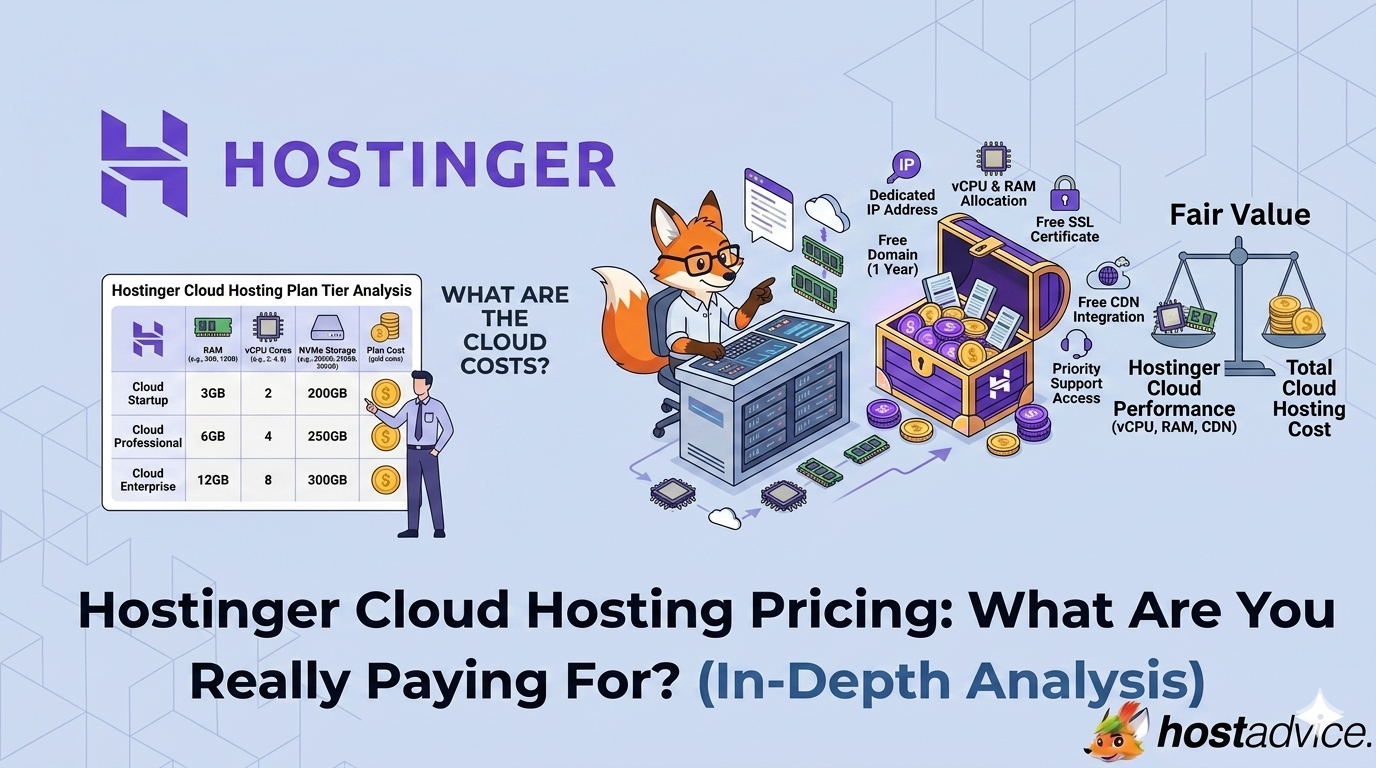
Hostinger keeps its cloud hosting structure clean and easy to follow. Instead of overwhelming you with too many tiers, it focuses on three core plans that scale in a predictable way.
The difference between these plans is not just technical specifications. It directly affects how much traffic you can handle, how stable your performance remains under load, and how much room you have to grow without upgrading.
Before going into each plan, here’s the key idea: you are not upgrading for features. You are upgrading for performance headroom and stability.
You can also use Hostinger cloud hosting coupons to reduce your overall cost, especially when committing to longer billing cycles.

Cloud Startup
Starts at $7.99/month with 2 months free on long-term plans.
This is the entry point into Hostinger’s cloud hosting and where most users begin after outgrowing shared hosting.
At this level, you are moving into a more stable environment with dedicated resources and managed infrastructure. Performance is noticeably more consistent compared to shared hosting, especially for websites that are starting to see steady traffic.
What stands out here is not just the price, but what it enables. You can run multiple websites, handle moderate traffic, and avoid the common slowdowns that come from shared environments.
However, this plan is still designed for early-stage growth. If your website starts scaling quickly or handling heavier workloads, you may begin to feel its limits.
Best suited for: Small businesses, personal brands, and growing websites that need better performance without a big jump in cost.

Cloud Professional
Starts at $15.99/month with 2 months free on long-term plans.
This is where Hostinger’s cloud pricing becomes more practical for real-world use.
The jump from Startup to Professional is not just incremental. It gives you significantly more breathing room in terms of CPU, RAM, and storage. This translates into better handling of traffic spikes, smoother performance across multiple websites, and more stability for business-critical use cases.
If you are running client projects, ecommerce stores, or multiple websites, this plan reduces the chances of hitting performance bottlenecks early.
This is also the plan most users end up staying on long term, because it balances cost with usable capacity.
Best suited for: Freelancers, agencies, and small businesses that need reliable performance and room to grow.

Cloud Enterprise
Starts at $29.99/month with 2 months free on long-term plans.
This plan is designed for users who need consistent performance at a higher scale.
At this level, the focus shifts from affordability to reliability under load. You get significantly higher resource allocation, which allows your websites or applications to handle larger traffic volumes, more complex processes, and heavier workloads without performance degradation.
This is where cloud hosting starts to feel closer to high-performance infrastructure, while still remaining managed and easy to use.
However, the cost only makes sense if your workload actually requires this level of capacity.
Best suited for: High-traffic websites, established ecommerce stores, and businesses where performance directly impacts revenue.
Hostinger Cloud Hosting Plans Comparison
| Feature | Cloud Startup | Cloud Professional | Cloud Enterprise |
|---|---|---|---|
| Starting Price | $7.99/month | $15.99/month | $29.99/month |
| CPU Cores | 4 | 5 | 6 |
| RAM | 4 GB | 6 GB | 12 GB |
| Storage | 100 GB NVMe | 200 GB NVMe | 300 GB NVMe |
| Managed Node.js Apps | 10 | 10 | 10 |
| Inodes | 2,000,000 | 3,000,000 | 4,000,000 |
| PHP Workers | 100 | 200 | 300 |
| Websites Supported | Up to 100 | Up to 100 | Up to 100 |
| Free Domain | Yes, for 1 year | Yes, for 1 year | Yes, for 1 year |
| SSL | Unlimited | Unlimited | Unlimited |
| CDN | Included | Included | Included |
| Dedicated IP | Included | Included | Included |
| Backups | Daily | Daily | Daily |
| Support | Priority 24/7 | Priority 24/7 | Priority 24/7 |
| Best For | Growing websites | Business and multi-site use | High-traffic and scale |
Bottom line: Cloud Startup works well for early-stage growth, but Cloud Professional offers the best balance of performance and cost for most users. Cloud Enterprise is built for high-demand workloads where stability and performance directly impact results.
Hidden Costs and Pricing Reality
Renewal Pricing Is the Most Important Factor
The most overlooked part of cloud hosting pricing is what happens after the initial term.
The introductory price is designed to attract users, but it does not reflect the long-term cost. Once the discount period ends, the price increases to the standard rate.
This makes renewal pricing one of the most important factors in your decision.
If you plan to use the platform long term, the renewal cost is what you should evaluate most carefully.
Billing Cycles and Cost Per Month
Longer billing cycles reduce the effective monthly price, but they require a higher upfront payment.
Shorter billing cycles offer flexibility but come with a higher monthly cost.
This creates a trade-off between affordability and commitment. Choosing the right billing cycle depends on how confident you are in your long-term usage.
Domain and Ongoing Expenses
While a domain may be included for the first year, renewal fees apply afterward.
This is a standard industry practice, but it is often overlooked when calculating total cost. Over time, these recurring expenses become part of your overall hosting budget.
Scaling Costs Over Time
Cloud hosting is designed to scale, but that scaling comes with cost implications.
As your website grows, you may need to move to higher-tier plans. Unlike some platforms that allow granular upgrades, Hostinger primarily scales through plan tiers.
This keeps pricing simple, but it also means you may upgrade sooner than expected if your resource needs increase quickly.
Key Insight: What You’re Actually Paying For
At its core, Hostinger cloud hosting pricing is not about features alone.
You are paying for a combination of:
- Performance stability
- Resource isolation
- Managed infrastructure
- Reduced technical workload
You are not paying for:
- Full control over the server environment
- Deep customization
- Developer-level flexibility
This creates a clear positioning.
Cloud hosting is designed for users who want reliable performance without dealing with the complexity of server management.
Comparison Matrix: Hostinger vs. Competitors
| Feature | Hostinger Cloud | SiteGround Cloud | DigitalOcean | Bluehost Cloud |
|---|---|---|---|---|
| Starting Price | Low, budget-friendly | High | Moderate | Moderate |
| Ease of Use | Very beginner-friendly | Beginner-friendly | Developer-focused | Beginner-friendly |
| Managed Infrastructure | Fully managed | Fully managed | Mostly unmanaged | Managed |
| Performance Stability | Strong for price | Very strong | Very strong | Moderate |
| Scalability | Vertical scaling through plan upgrades | High but expensive | Highly flexible | Limited |
| Customization | Limited | Limited | High | Low |
| Included Features | Many bundled, including CDN, backups, and SSL | Many bundled | Minimal, add-ons often needed | Basic bundles |
| Control Level | Low to moderate | Low to moderate | High, full control | Low |
| Best For | Balance of cost and simplicity | Premium managed hosting | Developers and scalable apps | Beginners |
Where Hostinger Stands Out vs. Competitors
Hostinger combines affordability with a managed cloud environment, offering solid performance with built-in features like backups, CDN, and security. Compared to premium providers like SiteGround, it’s more cost-effective, though slightly less consistent under extreme workloads.
Competitors like DigitalOcean provide greater flexibility and scalability but require technical management, while simpler hosts like Bluehost lack the same level of performance stability.
Key insight: Hostinger is built for users who want reliable performance without complexity, not full control. It sits between ease of use and scalability.
It’s a strong choice for balanced performance and simplicity. For advanced control or large-scale infrastructure, developer-focused platforms are a better fit.
Hostinger Cloud Hosting vs. Other Hosting Models
Cloud hosting makes more sense when viewed in context.
Shared hosting prioritizes affordability but comes with performance limitations. VPS hosting offers full control but requires technical knowledge. Dedicated servers provide maximum power but at a significantly higher cost.
Cloud hosting sits between these options.
It provides better performance than shared hosting and more simplicity than VPS, making it a balanced choice for users who need reliability without complexity.
How to Evaluate If It’s Worth It for You
The value of Hostinger cloud hosting pricing depends on your starting point.
If you are currently on shared hosting and experiencing performance issues, cloud hosting offers a clear upgrade path. It provides more stability and reduces the impact of traffic spikes.
If you are already comfortable managing servers, VPS hosting may offer more flexibility at a similar cost.
For most users, the decision comes down to how much time and effort they want to spend managing their hosting environment.
If reducing complexity is a priority, the pricing becomes easier to justify.
Conclusion
Hostinger cloud hosting pricing is built around simplifying performance.
It removes many of the limitations of shared hosting while avoiding the complexity of VPS. The result is a system that delivers consistent performance with minimal technical effort.
The trade-off is clear.
You gain stability, speed, and ease of use. In return, you give up flexibility and accept higher long-term costs.
If your priority is reliable performance without ongoing management, this pricing model works well.
If your priority is control or minimizing cost, other hosting models may be more suitable.
Next Steps: What to Do Before You Buy
- Choose based on workload, not just price. Prioritize performance headroom if your site is growing or handling transactions.
- Look beyond the starting price. Introductory pricing is discounted, so evaluate renewal rates for long-term cost.
- Match resources to your usage. CPU, RAM, and storage should align with your actual performance needs.
- Plan for traffic growth. Select a plan that can handle future traffic without immediate upgrades.
- Review included features carefully. Ensure backups, CDN, and security meet your requirements.
- Avoid overpaying for unused capacity. Higher-tier plans only make sense if your workload justifies them.
- Use discounts and long-term deals. Promotional offers can significantly lower your effective monthly cost.
- Consider upgrade flexibility. Choose a plan that won’t force you into early scaling decisions.
