


Valid for all NVMe including custom profiles.


Valid for all NVMe including custom profiles.


First, select and click on the Webdock coupon you want to use.
Then, head to the Webdock website and pick the VPS cloud server hardware platform you want.
You can choose between Enterprise Xeon or CPU Powerhouse Epyc VPS.
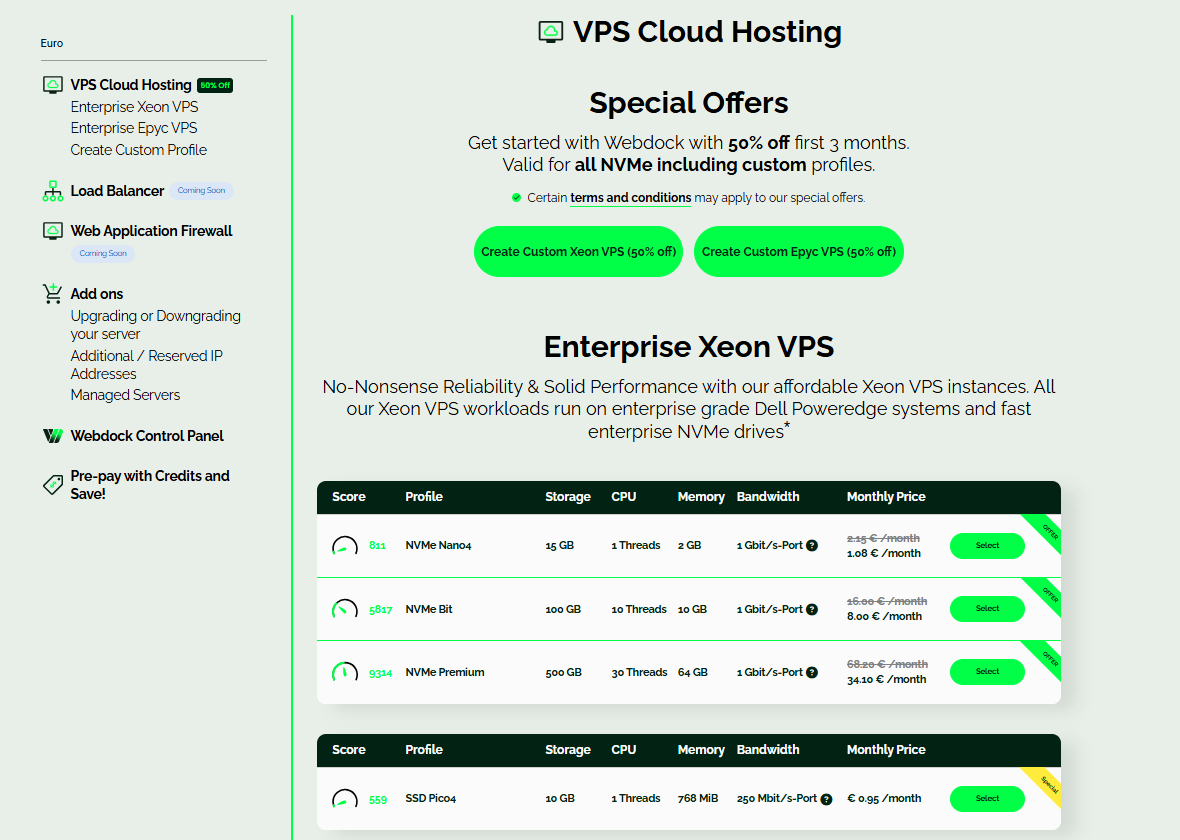
Choose the pricing plan you want to buy, and click on “Select” to move forward.
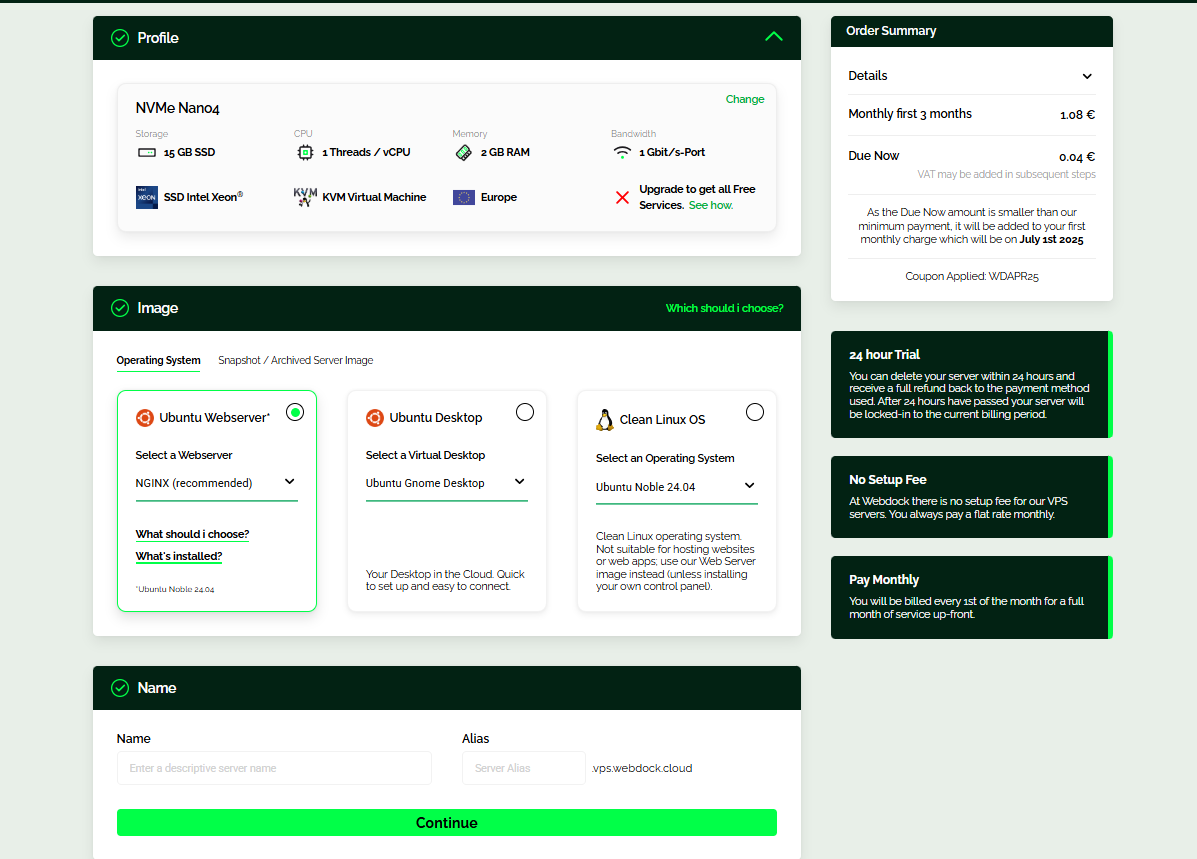
On the next page, you can configure your plan, pick your OS, your server name, as well as some add-ons. Once you’re done, click “Continue.”
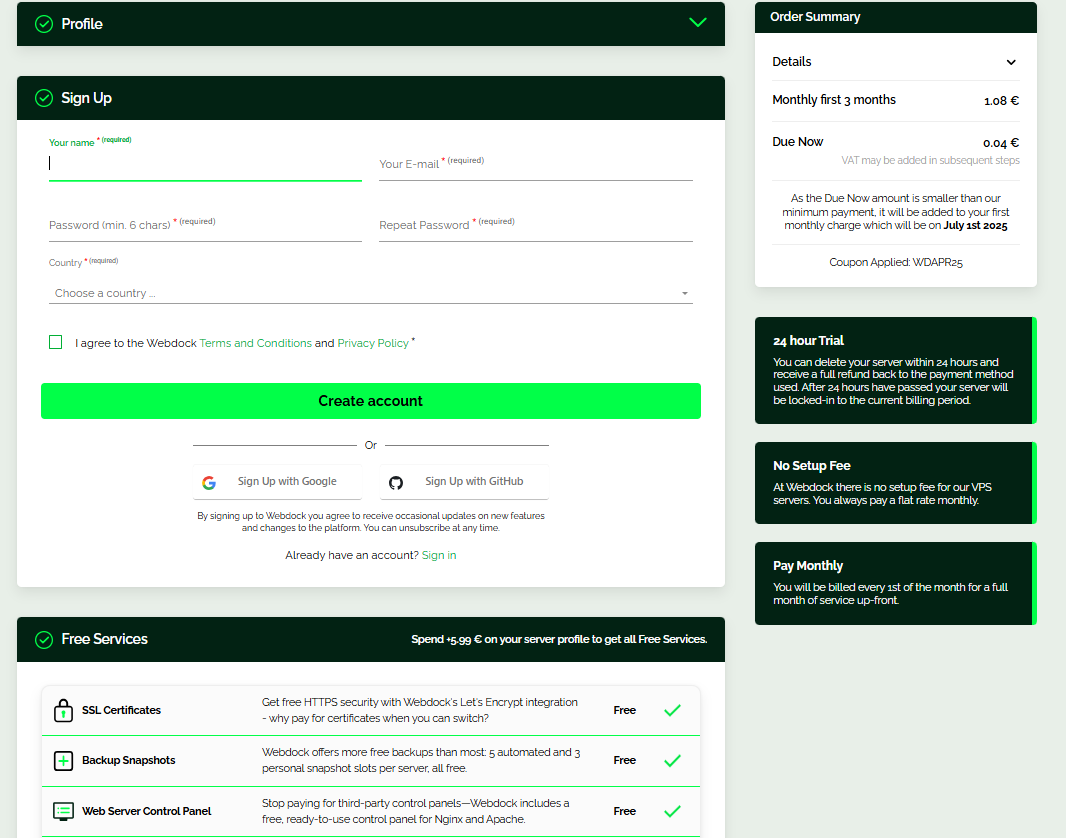
After you’ve picked the plan you want, it’s time to sign up with your email, Google, or GitHub account, or log in if you already have an account.
Then, you can choose to pay with PayPal or add a credit card through Stripe.
Just pick the option that works best for you and click the “Add Payment” button to continue.

On the next page, enter the required details based on your chosen payment method. When you’re ready, just click “Add Card” or “Continue” to move forward.


To add a Webdock coupon, click the Account icon in the top-left corner of your screen, then select ”Add a coupon code” or credit.
Enter your code in the field, and click ”Add coupon code” to apply it.

If your Webdock promo code isn’t working, here are a few things you can try:
If none of these fixes the issue, reach out to Webdock’s support team. They’ll be able to look into it and let you know what’s going on.
You can only use one promo code per Webdock purchase. Just like with most online services, Webdock’s policy doesn’t allow stacking multiple coupons in a single transaction.
It helps keep things simple and ensures the discount applies without any hiccups. If you have a few codes, just pick the one that gives you the best deal for what you need.
Webdock targets only new customers with their promotional discounts.
It’s a common approach used to bring in fresh users and grow the customer base.
This strategy helps increase recurring revenue, improve brand visibility, and reach a broader audience over time.
Webdock runs annual and seasonal promotions that can help you save money throughout the year.
Here’s a quick look at Webdock’s discount options for businesses and returning customers.
Webdock doesn’t offer separate discounts specifically for businesses. But business owners can still take advantage of Webdock coupons and save up to 40% on their purchases.
Most Webdock deals are geared toward new customers, but returning users aren’t entirely left out.
From time to time, there are discounts available, and anyone who subscribes to Webdock’s newsletter can get a 10% discount as part of the sign-up offer.
Webdock lets new users test any VPS for 24 hours at no cost. Activate the trial with a credit card or PayPal via Stripe.
A $1 verification charge may appear, but it’s refunded right away. If you delete the server within 24 hours, you won’t be charged.
Credits from coupons or the newsletter are added to your account and used automatically before any payment is taken.
They can be used after the free trial if the promo terms allow it and stay valid for 30 days. While credits can’t be refunded as cash, they help lower future hosting costs.
If you’re looking for reliable cloud hosting, especially VPS hosting, Webdock is worth a look. Their plans come with free backups, strong security features, and up-to-date software. If you want to dig deeper, check out our expert review for more details.
Webdock does not offer promos and discounts as often as its competitors. However, there are still special deals during Black Friday, Cyber Monday, and seasonal and holiday sales.
These promo codes can unlock solid savings on Webdock’s already competitive prices, which makes it even more affordable to take advantage of their high-performance servers and responsive customer support.
Most discounts apply to your first term as a new customer, and renewal prices may be higher. Still, it’s worth checking with support or watching for occasional renewal or upgrade deals.
Webdock coupons can help you save in a few different ways:
