At first glance, Melbicom feels like a provider built for developers and serious businesses, not beginners looking for handholding. It offers raw infrastructure: dedicated servers, cloud Linux, and Windows VPS, with full control and flexible billing. No upsells. No bloat. Just hosting.
I wanted to know if it actually delivers the kind of performance and global reach it promises. Early signs were strong, with fast network speeds and solid system responsiveness right out of the gate.
In this Melbicom review, I’ll walk you through my full hands-on experience, including benchmark results, ease of use, and support, so you can decide if Melbicom is the right fit for your next project.
To keep our reviews fair, consistent, and transparent, we follow a clear rating methodology that outlines exactly how we evaluate each hosting provider. You can learn more about how we calculate our scores by visiting our rating methodology page.
Here’s how Melbicom performed in each of our key categories:
| Parameter | Score | Why We Gave This Score |
|---|---|---|
| Prices | 9.1 | Melbicom offers flexible monthly billing and competitive pricing, especially for high-performance dedicated and VPS servers. No hidden setup fees, and crypto is accepted. |
| Features | 9.1 | Wide range of services—dedicated, cloud Linux and Windows, DDoS protection, private networks, and global data centers—but lacks some advanced automations or app integrations. |
| Performance | 9.5 | Both cloud and dedicated servers delivered strong results across CPU, memory, disk, and network tests, with NVMe SSDs and near-2 Gbps throughput standing out. |
| Ease of Use | 9.6 | The dashboard is clean, intuitive, and gives you full control. Server management tools and app installs are well-integrated and beginner-friendly. |
| Support | 9.0 | Ticket responses are fast and polite, but the lack of live chat limits real-time troubleshooting and guidance. |
| Overall | 9.3 | A strong choice for developers and growing businesses who value control, fair pricing, and infrastructure over hand-holding or extra frills. |
Melbicom offers three main hosting types: Dedicated Servers for high-traffic sites, Cloud Linux Servers for lightweight Linux setups, and Cloud Windows Servers for Windows-based environments.
There’s no free trial, but you may get a refund for unused full months (excluding discounts) if you cancel or if they terminate your service for non-violation reasons. Refunds can take up to 30 days and must be requested through your account.
Personally, I’d only recommend signing up if you know what kind of infrastructure you need, but it’s good to know there’s a limited refund pathway if something doesn’t work out.
Melbicom supports a wide range of payment methods, including credit/debit cards, PayPal, Alipay, Bitcoin, BitPay, and bank transfers—great flexibility for global users
Here’s a quick breakdown of the hosting options:
| Plan Name | Space | CPU | RAM | OS | Price | |
|---|---|---|---|---|---|---|
| 2xXeon(R) E5-2450L 0 1.80GHz | 1.95 TB | 32 x 1.8GHz | 31.25 GB | £93.79 | Details | |
| Xeon(R) E-2146G | 1.95 TB | 12 x 3.5GHz | 31.25 GB | £100.49 | Details | |
| Xeon(R) E-2246G | 480 GB | 12 x 3.6GHz | 31.25 GB | £103.00 | Details | |
| Xeon(R) E-2276G | 1.95 TB | 12 x 3.8GHz | 62.5 GB | £154.92 | Details | |
| 2xXeon E5-2640 V4 | 1.95 TB | 40 x 2.4GHz | 125 GB | £248.70 | Details |
You can choose from over 1,000 ready-to-go configurations across 17 data centers, or build your own server using their server builder. Each server is delivered within 2 hours, comes with 24/7 support, and runs in a Tier III or IV data center.
| Plan Name | Space | CPU | RAM | Bandwidth | OS | Price | |
|---|---|---|---|---|---|---|---|
| VDS-1-SSD | 20 GB | 1 x 3.3GHz | 2 GB | Unlimited | £3.27 | Details | |
| VDS-2-SSD | 40 GB | 2 x 3.3GHz | 4 GB | Unlimited | £6.53 | Details | |
| WIN-2 | 20 GB | 3.3GHz | 2 GB | Unlimited | £10.05 | Details | |
| VDS-4-SSD | 80 GB | 4 x 3.3GHz | 8 GB | Unlimited | £13.06 | Details | |
| WIN-4 | 40 GB | 3.3GHz | 4 GB | Unlimited | £20.10 | Details | |
| VDS-6-SSD | 120 GB | 6 x 3.3GHz | 12 GB | Unlimited | £26.13 | Details | |
| WIN-6 | 80 GB | 3.3GHz | 8 GB | Unlimited | £36.01 | Details | |
| VDS-8-SSD | 160 GB | 8 x 3.3GHz | 62.88 GB | Unlimited | £52.25 | Details | |
| WIN-8 | 120 GB | 8 x 3.3GHz | 16 GB | Unlimited | £58.62 | Details | |
| WIN-10 | 160 GB | 10 x 3.3GHz | 24 GB | Unlimited | £87.93 | Details |
These are Melbicom’s KVM-based VPS plans built for Linux. They come with full hardware virtualization, NVMe SSD storage, IPv4 and IPv6 addresses, and unmetered bandwidth up to 1 Gbps.
These Windows VPS plans are ideal for .NET applications or teams that need Windows Server environments.
You get Windows Server 2019 or 2022 pre-installed, fast NVMe storage, and KVM virtualization. They also include VNC console access and 24/7 support.
To get a clear picture of how Melbicom performs under real-world conditions, I decided to test both servers I had access to: a Cloud Linux VPS and a Dedicated Server. Testing both types is important because they’re built for different use cases.
Cloud VPS hosting is ideal for flexibility and scaling, while dedicated servers are about raw power and full resource control. Running benchmarks on both helped me evaluate the infrastructure across the board.
I started with the Cloud Linux VPS. For context, the server I tested came with:
I ran four key performance tests—CPU, memory, network, and disk—to understand how the server handles typical workloads.
To test CPU performance, I used sysbench to simulate workloads involving prime number calculations. This test stresses the CPU with compute-heavy operations and gives us a good sense of processing power and latency.
Here’s what I got with 4 threads enabled:

The result? Impressive for a VPS. The CPU handled the load consistently, with low latency and no performance spikes. This makes it a reliable option for processing API requests, compiling code, or running mid-level compute jobs.
Next, I ran a memory benchmark using sysbench. The goal here was to see how fast the server could move data in and out of memory, critical for caching, in-memory databases, or high-frequency transaction systems.
Here’s what the test showed:

For a virtualized server, this memory speed is excellent. If your app leans heavily on RAM performance (like Redis, Elasticsearch, or heavy PHP apps), this setup will hold up well.
Then I tested the network using the official Speedtest CLI tool. Since this VPS was located in Amsterdam, Speedtest automatically picked Melbicom’s own server in the same location.
Results were strong across the board:

These are fantastic numbers. Low-latency, near-gigabit speeds like this are perfect for streaming, file transfer, VoIP, and anything that relies on real-time data transmission. The fact that this performance came from a cloud VPS is especially noteworthy.
Finally, I used fio to simulate random read/write operations—this tests how well the SSD can handle non-sequential data access, which is typical for web servers, content platforms, and small databases.
Here’s what I got:

That level of disk performance is very solid for a VPS. The I/O was consistent, latency remained low, and there were no wild spikes. This means the server can handle dynamic content, concurrent file access, or a moderate MySQL workload without breaking a sweat.
Overall, the cloud server exceeded my expectations. From fast CPU cycles to stable memory and nearly 1 Gbps network throughput, Melbicom’s Cloud VPS delivers a great experience for its class. If you’re building a SaaS app, hosting a busy site, or running workloads that need dependable speed without the cost of a dedicated machine, this cloud option will get the job done.
After testing the cloud server, I moved on to the dedicated server to evaluate how much of a performance jump Melbicom’s bare-metal offering could deliver.
Dedicated servers are built for demanding workloads, and I wanted to see how well this one handled stress across CPU, memory, disk, and network layers.
For context, the server I tested came with:
This is clearly a machine meant for high-performance use cases like virtualization, big databases, or media-heavy applications.
I started with the CPU benchmark to test raw processing power. The test uses prime number generation to simulate compute-heavy workloads.
Results:

Compared to the cloud VPS, this dedicated server nearly tripled the events per second. It shows just how much raw horsepower you get from Melbicom’s dedicated hardware—ideal for serious compute loads like data crunching, app compiling, or video encoding.
Then I tested memory throughput to assess how fast the server can move data through RAM.
Results:

This server’s memory speed was excellent. With 128 GB RAM and over 4 GB/sec throughput, you can confidently run memory-intensive apps, cache layers, and in-memory databases like Redis or Memcached with ease.
To evaluate networking performance, I used Speedtest CLI, targeting Melbicom’s own server in Amsterdam.
Results:

Nearly 2 Gbps symmetrical throughput is way beyond what you’d expect from typical dedicated servers, especially at this price point. With this kind of bandwidth, the server can easily handle large-scale file transfers, streaming, or CDN workloads without bottlenecks.
Finally, I tested disk performance using fio to simulate real-world random read/write loads.
Results:

The NVMe drives really showed their strength here. High IOPS, stable throughput, and ultra-low latency tell me this setup is more than capable of powering transactional databases, CMS platforms with thousands of users, or high-frequency workloads. And with 99.5% disk utilization, it’s clear the system was fully stressed, yet still held strong.
Overall, this dedicated server performed exactly how I hoped—and then some. The CPU results were sharp and consistent, memory throughput was blazing fast, and the SSDs delivered excellent I/O under load. Add near-2 Gbps networking on top of that, and you’ve got a seriously capable machine for almost any use case.
If you’re running high-traffic apps, handling large volumes of data, or just want full control over a powerful server, Melbicom’s dedicated hosting delivers strong value and real performance.
Support is one of the most important things to consider when choosing a hosting provider. No matter how good the specs or pricing might be, if something breaks—or if you need help—you want to know someone’s got your back.
That’s why I made it a point to test Melbicom’s support for myself.
Unlike many modern providers, Melbicom doesn’t offer live chat. Instead, they rely entirely on a ticket-based support system, which you’ll find inside your dashboard. I wanted to see how fast they respond, how helpful their answers are, and whether they take support requests seriously.
To put their support to the test, I went to the top menu in my dashboard and clicked “Open Ticket.”

That led me to a short prompt encouraging users to check the knowledge base first and then submit a ticket by choosing the right department.
I selected the Support department, set the urgency level to Critical, and filled in the rest of the ticket form. I asked how I could SSH into my servers (both the cloud VPS and dedicated server). Specifically, I wanted to know where to find the login credentials and if there was a default root password or SSH key that was already configured.
Once done, I submitted the ticket at 04:31 AM on May 14, 2025.
To their credit, they responded in just 10 minutes. That’s an excellent turnaround for a provider that doesn’t use live chat.
Their reply was brief but to the point. They told me that my server access details had already been sent to my email, and suggested checking the spam folder in case I hadn’t received them. It wasn’t a deeply technical answer, but for the question I asked, it was accurate, direct, and helpful.

Here’s how I’d rate the experience:
Overall, I was happy with how support handled my request. While I would’ve liked to see live chat available for quick follow-ups or more complex issues, their team clearly monitors tickets and takes response times seriously.
If you’re comfortable using tickets, I think you’ll find their support reliable and efficient.
To evaluate Melbicom’s ease of use, I decided to go through three key steps myself: registration, dashboard navigation, and server management. These are essential because they’re the first things you’ll interact with after signing up.
If these areas feel clunky or confusing, it can slow you down, especially if you’re launching a time-sensitive project or need to scale quickly. I wanted to know if Melbicom is beginner-friendly. Does it give you control without being overwhelming?
I found signing up with Melbicom to be surprisingly easy, straightforward, and intuitive. Here’s exactly what the process looked like from my end.
I started on the Melbicom homepage, hovered over the Products & Services tab on the top main menu, and selected Cloud Linux Servers.

On the next page, I clicked on Plans, which opened the full pricing section.
After scanning through the available plans, I settled on the VDS-4-SSD-AMS plan—it’s right in the sweet spot for performance and price. I clicked Order, which took me to the configuration page.

Here, I could customize the server to my needs. The default specs for the VDS-4 plan were already pre-filled:
I had the option to choose a data center region, and I selected Amsterdam, Netherlands. I also chose AlmaLinux 8.10 as my operating system. You can optionally add IPv4 or IPv6 addresses, but I left both at zero.
At this point, I also needed to fill out:
On the right-hand side, there was a clear Order Summary panel. It displayed everything I had selected.
After confirming everything looked good, I clicked Continue.
Next was the Review & Checkout page. This section let me verify all the details of my server again—region, operating system, IPs, and so on.

There were also sections to:
Once I confirmed that everything was still accurate, I hit Checkout.

The Checkout page asked me for personal and billing details:
Then I selected my payment method. You also have the option to leave additional notes, which is a great touch. For example, you could write something like:
“Please make sure the VPS hostname matches my brand domain. Let me know if any manual setup is needed.”
Lastly, there’s a checkbox for joining their mailing list. You can opt out if you don’t want emails.

Once everything was filled in, I clicked Complete Order. Within a few seconds, I received a confirmation email from Melbicom. It included my server login details, root password, and IP address, so I could access the server right away.
Honestly, I found the whole process smooth and efficient. There were no hidden steps, no surprise charges, and everything was laid out clearly at each stage. I liked that the platform didn’t try to upsell unnecessary add-ons during checkout—it let me configure exactly what I needed without distractions.
Also, having VAT automatically calculated and real-time payment confirmation made it feel polished and professional. The ability to pick your region and OS without needing to contact support is something I really appreciated, especially since I’ve tested hosts that lock that behind tickets.
If you’re someone who wants to get up and running quickly without confusion, I think you’ll find Melbicom’s registration process pretty user-friendly.
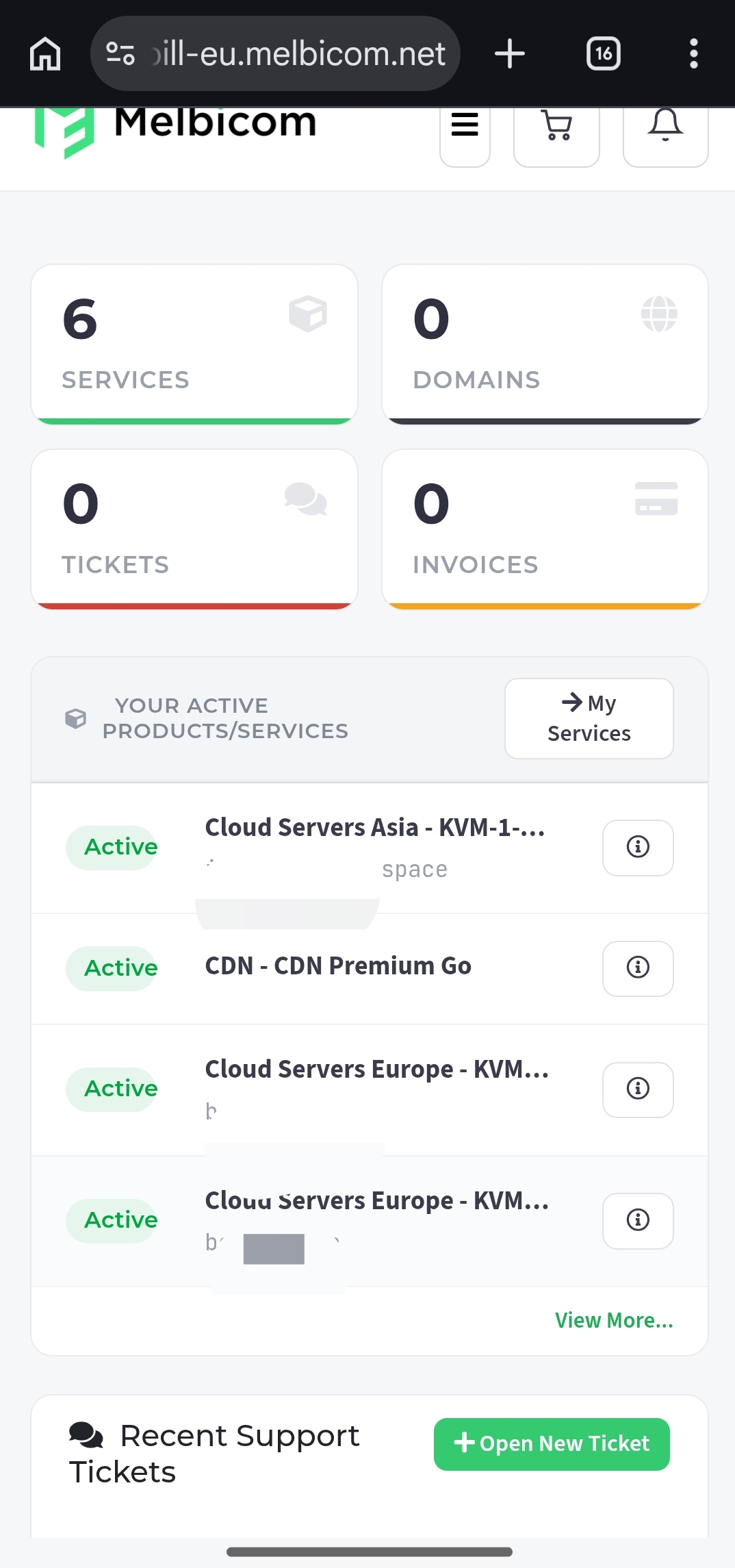
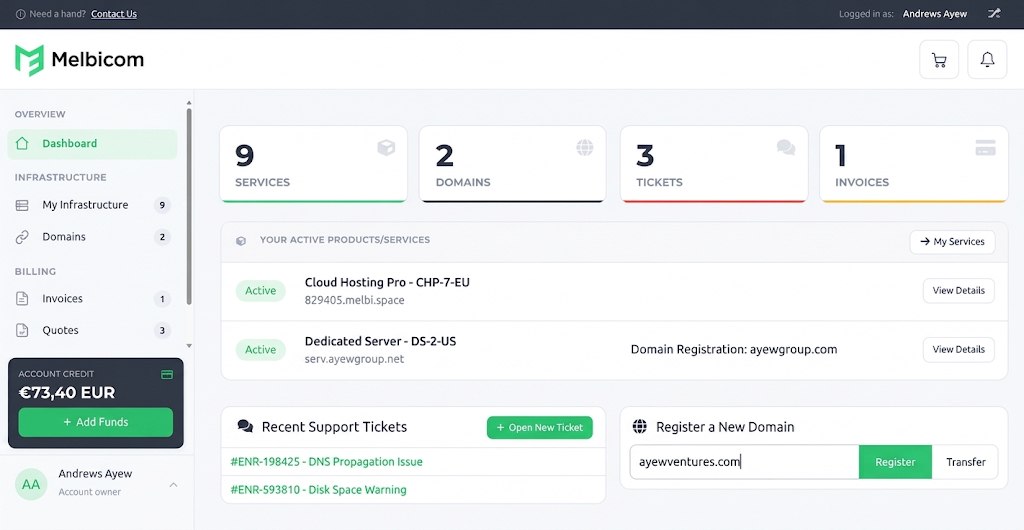
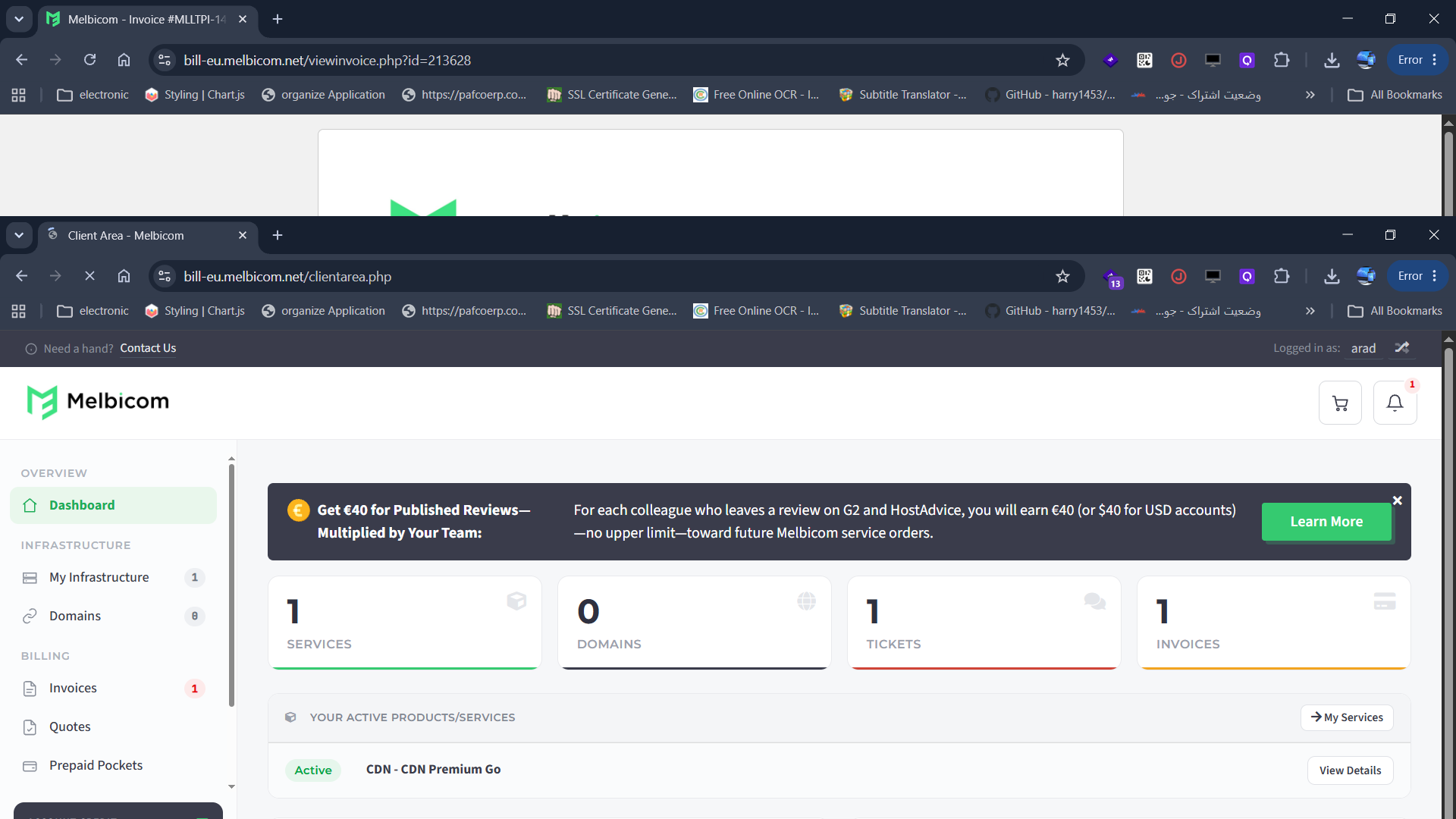
After completing my order, I was immediately taken to the Melbicom dashboard. I wanted to evaluate the dashboard experience because this is where you manage everything: your servers, billing, support tickets, domains, and more.
If the dashboard is messy or confusing, even the best infrastructure won’t help. But if it’s clean and intuitive, you’ll feel more confident managing your services—even if you’re not a tech expert.
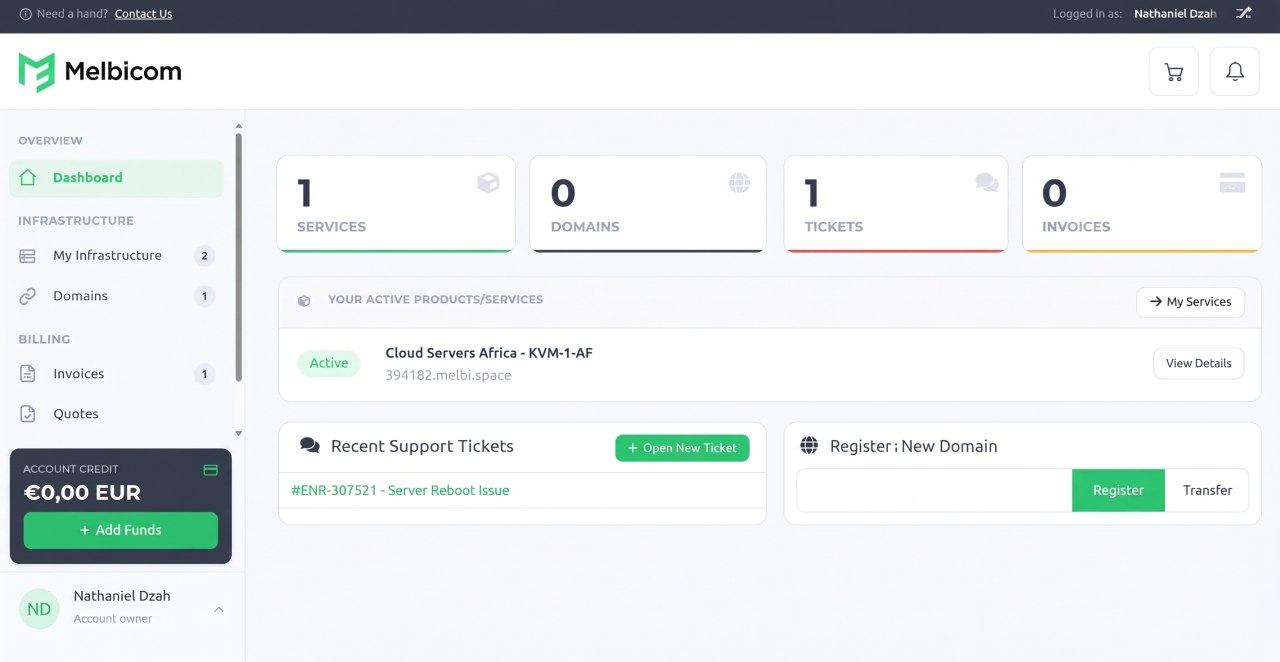
From the moment I landed on the dashboard, my first impression was very positive. It looked clean, modern, and organized. The layout made it easy to understand where everything was and what each section did.

At the very top, there’s a main navigation menu with tabs for:
Clicking on any of these expands them to show more options. For example, under Services, you can view all your active services or order new ones. Under Billing, you’ll find your invoices, quotes, and payment methods. It’s a simple layout, but it covers everything you need.
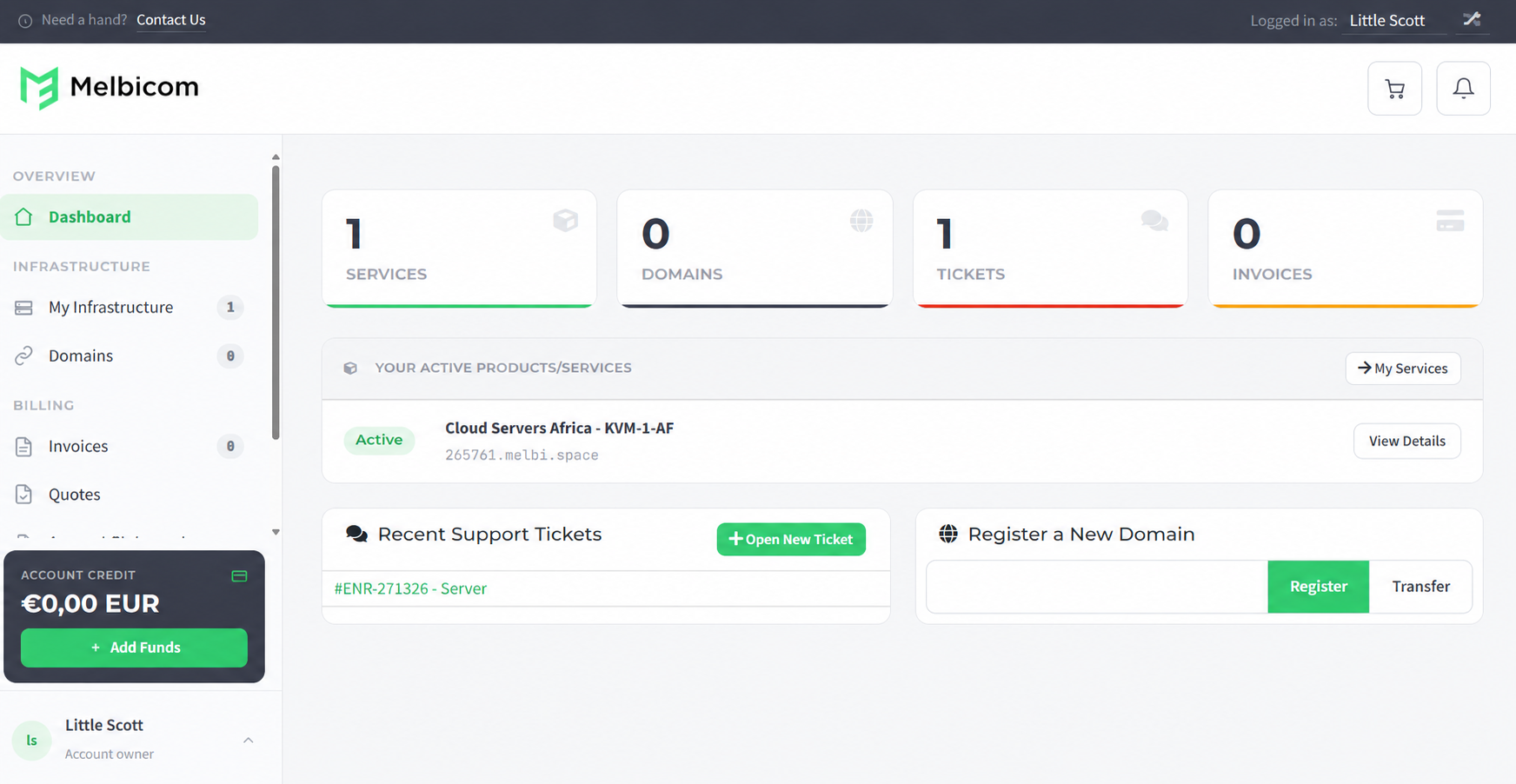
Right below this top menu, the main panel gives you a high-level overview. Then there’s a section titled Your Active Products/Services, which showed me both of my active hosting services:
Each server had its own hostname with a label indicating the type and location. I liked that you could immediately see the status (“Active”), and click through to manage each one in more detail.
Below that, there was a Recent Support Tickets section (which was empty for me), and a handy link to Register a New Domain if I wanted to add one to my account.
On the left-hand sidebar, there were more details and shortcuts like:

Everything was laid out clearly, and it didn’t feel cluttered. I never had to dig around to find what I needed.
Overall, I found the dashboard to be one of the most user-friendly interfaces I’ve used from a hosting provider. It hits that perfect balance between being simple enough for beginners while still giving advanced users access to what they need. The clean design and quick access to key features made a great first impression.
After testing the registration process and the dashboard, the last piece I wanted to explore was server management. This is a critical part of any hosting service—it’s where you get control over your server, monitor resource usage, and access tools that help you maintain, upgrade, or troubleshoot your environment.
If managing your server feels like navigating a maze, it can lead to mistakes or downtime. That’s why I always look closely at this section when reviewing a provider. I wanted to see what Melbicom lets you do after provisioning the server and how user-friendly the experience actually is.
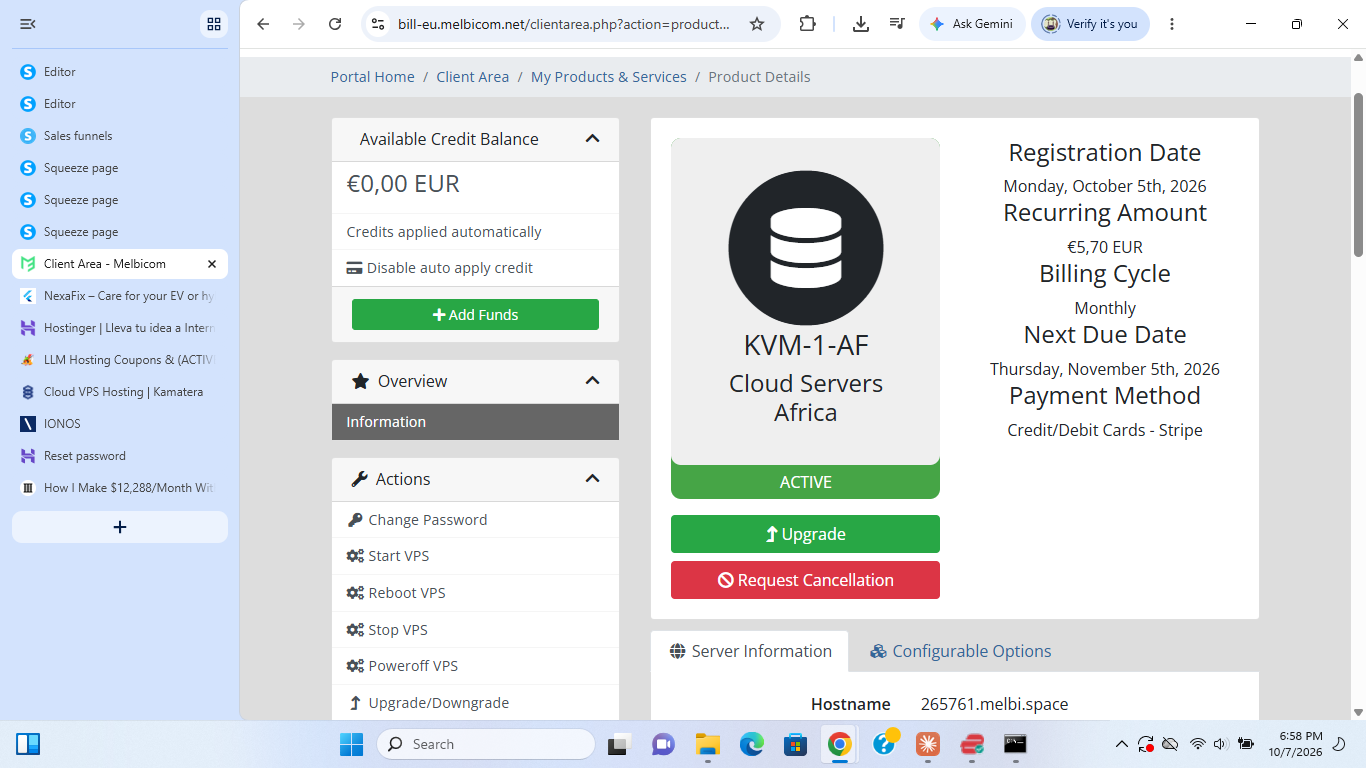
From the Your Active Products/Services section of the dashboard, I clicked on my Cloud Linux server to open its management page. This took me to a dedicated overview of my plan labeled KVM-4-EU, and here’s what I found.
Right at the top, I saw a summary of my plan’s key details, like:
Then there were two tabs:
I clicked on Server Information to dive deeper.

This section provided a full snapshot of my VPS setup:
Then, below this came a VPS Information panel with several tools and insights:

Honestly, the real-time stats and visual graphs made it really easy to keep track of how the server was performing. You don’t need to log into the OS just to know something’s wrong—you can see it right here.
The Applications section was a nice bonus. With just a few clicks, I could install the LAMP stack or a clean OS reinstall if I wanted to start fresh
Additionally, on the left-hand side of this page, there’s a control panel labeled Actions and Virtualizor. Here’s what you can do:
There is also the Virtualizor Panel (Enduser Panel). This opens the native Virtualizor interface, which gives you more advanced tools and metrics if you’re comfortable working at that level
Overall, I think Melbicom nailed it when it comes to usability and control. You get all the essential tools in one place, plus some extras like real-time usage graphs and one-click app installations.
If you like to keep an eye on server health, install common apps easily, and make quick changes when needed, I think you’ll really appreciate how Melbicom handles server management. It’s simple when you want it to be, but powerful when you need it to be.
If you’re comfortable managing your own infrastructure and want strong performance without paying for extras you don’t need, Melbicom is definitely worth considering. In my experience, the setup was smooth, pricing was fair, and the dashboard gave me full control without unnecessary clutter.
What stood out the most was performance. Both the cloud VPS and dedicated server delivered excellent results across CPU, memory, disk, and especially network throughput, making it a solid choice for high-traffic sites, APIs, or custom apps.
I also appreciated the flexibility—being able to choose my data center, configure exactly what I needed, and scale as I go. That said, it’s not the most beginner-friendly platform. There’s no live chat, and support is ticket-only, though response times were impressively fast.
For developers, startups, or businesses with technical teams, Melbicom offers powerful, no-frills infrastructure that just works.


| Plan Name | Space | CPU | RAM | OS | Price | |
|---|---|---|---|---|---|---|
| 2xXeon(R) E5-2450L 0 1.80GHz | 1.95 TB | 32 x 1.8GHz | 31.25 GB | £93.79 | Details | |
| Xeon(R) E-2146G | 1.95 TB | 12 x 3.5GHz | 31.25 GB | £100.49 | Details | |
| Xeon(R) E-2246G | 480 GB | 12 x 3.6GHz | 31.25 GB | £103.00 | Details | |
| Xeon(R) E-2276G | 1.95 TB | 12 x 3.8GHz | 62.5 GB | £154.92 | Details | |
| 2xXeon E5-2640 V4 | 1.95 TB | 40 x 2.4GHz | 125 GB | £248.70 | Details |
| Plan Name | Space | CPU | RAM | Bandwidth | OS | Price | |
|---|---|---|---|---|---|---|---|
| VDS-1-SSD | 20 GB | 1 x 3.3GHz | 2 GB | Unlimited | £3.27 | Details | |
| VDS-2-SSD | 40 GB | 2 x 3.3GHz | 4 GB | Unlimited | £6.53 | Details | |
| WIN-2 | 20 GB | 3.3GHz | 2 GB | Unlimited | £10.05 | Details | |
| VDS-4-SSD | 80 GB | 4 x 3.3GHz | 8 GB | Unlimited | £13.06 | Details | |
| WIN-4 | 40 GB | 3.3GHz | 4 GB | Unlimited | £20.10 | Details | |
| VDS-6-SSD | 120 GB | 6 x 3.3GHz | 12 GB | Unlimited | £26.13 | Details | |
| WIN-6 | 80 GB | 3.3GHz | 8 GB | Unlimited | £36.01 | Details | |
| VDS-8-SSD | 160 GB | 8 x 3.3GHz | 62.88 GB | Unlimited | £52.25 | Details | |
| WIN-8 | 120 GB | 8 x 3.3GHz | 16 GB | Unlimited | £58.62 | Details | |
| WIN-10 | 160 GB | 10 x 3.3GHz | 24 GB | Unlimited | £87.93 | Details |
| Plan Name | Bandwidth | Number of Sites | Price | |
|---|---|---|---|---|
| Premium Zone 1 | 10 TB | 100 | £0.03 | Details |
Melbicom provides basic usage graphs for CPU, bandwidth, and disk, but doesn’t include advanced monitoring or custom alert systems by default.
Yes, you can request to upload a custom ISO by opening a support ticket. They’ll enable the option for you manually.
Yes, Melbicom supports BGP sessions and lets you announce your own IP ranges, making it suitable for advanced network setups.
Yes, mail ports are filtered by default. You’ll need to contact support to open them, and additional account verification may be required.
Yes, Melbicom offers private networking options, including VLAN setup for internal server communication. Configuration instructions are available through the dashboard.

Answer a few simple questions and find the perfect solution for you!
Start Hosting Search